
Summary:
In my last module, I combined the knowledge I gained from all previous modules. I used animated text techniques, logo design, and audio editing, and I worked on a novel animated motion project. I studied several strategies for presenting the final project, as perfectly illustrated in Liz Blazer’s book, “Animated Storytelling.” I have researched several videos that combine text, audio, and animation into one advanced motion feature. Finally, I utilized all the knowledge I gained in this course and created a final project, presenting a fictional app. In this context, I employed logo design, audio segments, animated techniques, and user interface animations, with particular emphasis on the interplay among these elements.
Readings and writings:
“Animated Storytelling” by Liz Blazer
Chapter Eleven (Show and Tell)
In the last chapter, the author examines the final steps of presenting the story to the right audience. First, we should package the project with all the appropriate design elements that convey professionalism. Some design elements to consider include a title logo, which can also serve as excellent promotional material. Another key element is creating a hook synopsis to engage your audience. She also recommends creating a tagline that helps the film stand out. I find these elements exceptionally valuable and plan to incorporate them into my future projects.
Another valuable point the author suggests involves the desired target. Where should we showcase our story? Who is it for? Once we have those answers, we can identify the right audience and begin researching festivals or groups that offer this purpose. Sometimes, we may skip the festival route (e.g., if the prestige of a festival billing doesn’t contribute much to our project).
Creating a network with peers may lead to genuine relationships and, over time, to significant opportunities. This can be achieved online, in person, and even in University study groups. Finally, when the time comes and the story is ready, we can share it with the public.
Overall, Liz Blazer’s book taught me the key points of animated storytelling. It gave me valuable storytelling foundations that I will implement in my motion projects throughout my career. Moreover, when I compare myself now to seven weeks ago, not only am I more knowledgeable about software programs I didn’t even know existed, but I also find my work more structured. When I approach a new project, I follow very well-planned steps, and I feel more organized and efficient in my work. The storytelling skills I have developed over the past two months will benefit me in every platform I design, in project presentations, and in promotional motion videos. I find the foundations provided to me here extremely valuable in many aspects of my career.
Research to inform:
In this section, I analyze effective videos that utilize advanced motion, animation, or effects features.
This is an incredible advertisement from Nike that employs kinetic typography. Each sentence in the video features excellent motion that aligns with the message. The way each transition unfolds feels magical, thanks to the perfect combination of sound effects and music. This effectively uses kinetic typography to convey a message that encourages using the brand.
This short but effective video shows how a 2D photo can gain a completely different perspective when transformed into a 3D one. This project, along with the music and every tiny detail in the animation, offers the viewer a unique journey to appreciate the animation with a sense of realism.
This video is excellent; it fuses 2D animation, hand drawing, and live-action. This project is a remarkable animation that brings a tiny character to life. I found it fascinating how this character’s reflection appears in the liquid inside the mug, conveying a sense of realism.
Create:
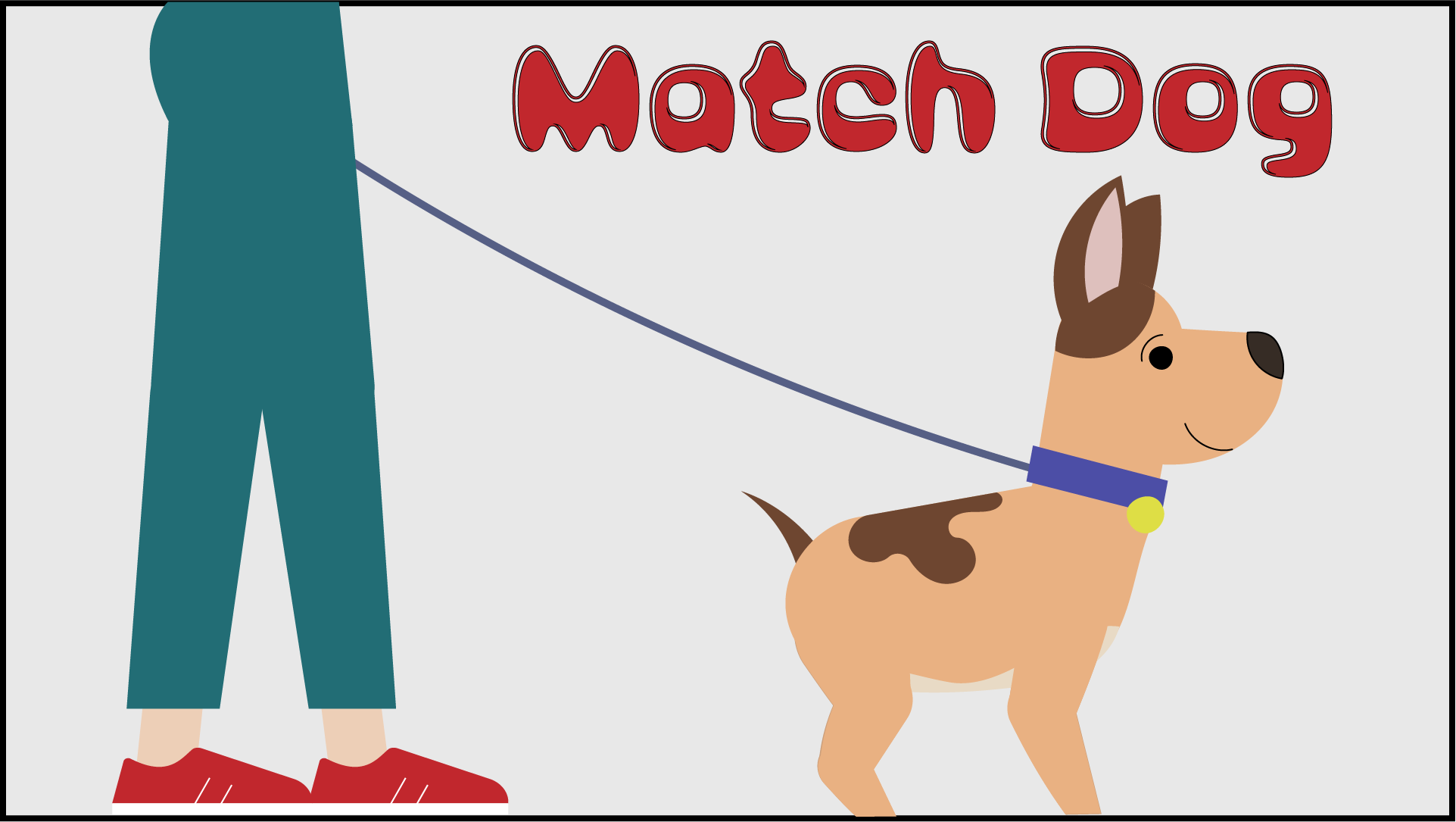
For my final project, I compiled valuable knowledge from this excellent course. As a UX designer, I decided to create a fictional app called “Match Dog” and present it through this project. The purpose of this app is to match dog-walking partners.
I combined ideas from my previous modules with advanced motion graphics. First, I animated a dog walking using the “Rigging” technique with a plugin called “Buik Ángela” in After Effects. This was quite challenging because it required a lot of research to utilize this plugin to create the dog’s joints and animate the walk. In the future, I want to animate characters for my project presentation using this technique.
Later, I used the “Puppet Pin Tool” to give motion to the dogs’ tongues. I designed a logo for the app in Adobe Illustrator and animated it in Adobe After Effects. I created the user interface animation for the app to showcase it. Finally, I wrapped everything up in Adobe Premiere Pro, adding sound effects, music, and vocals.
Motion across media was an incredible journey during my Master’s program. I have learned a lot about motion graphics. Adobe After Effects, Adobe Premiere Pro, and Adobe Animate have become my new best friends for developing motion graphics that I am confident I will use in my future as a designer.
