
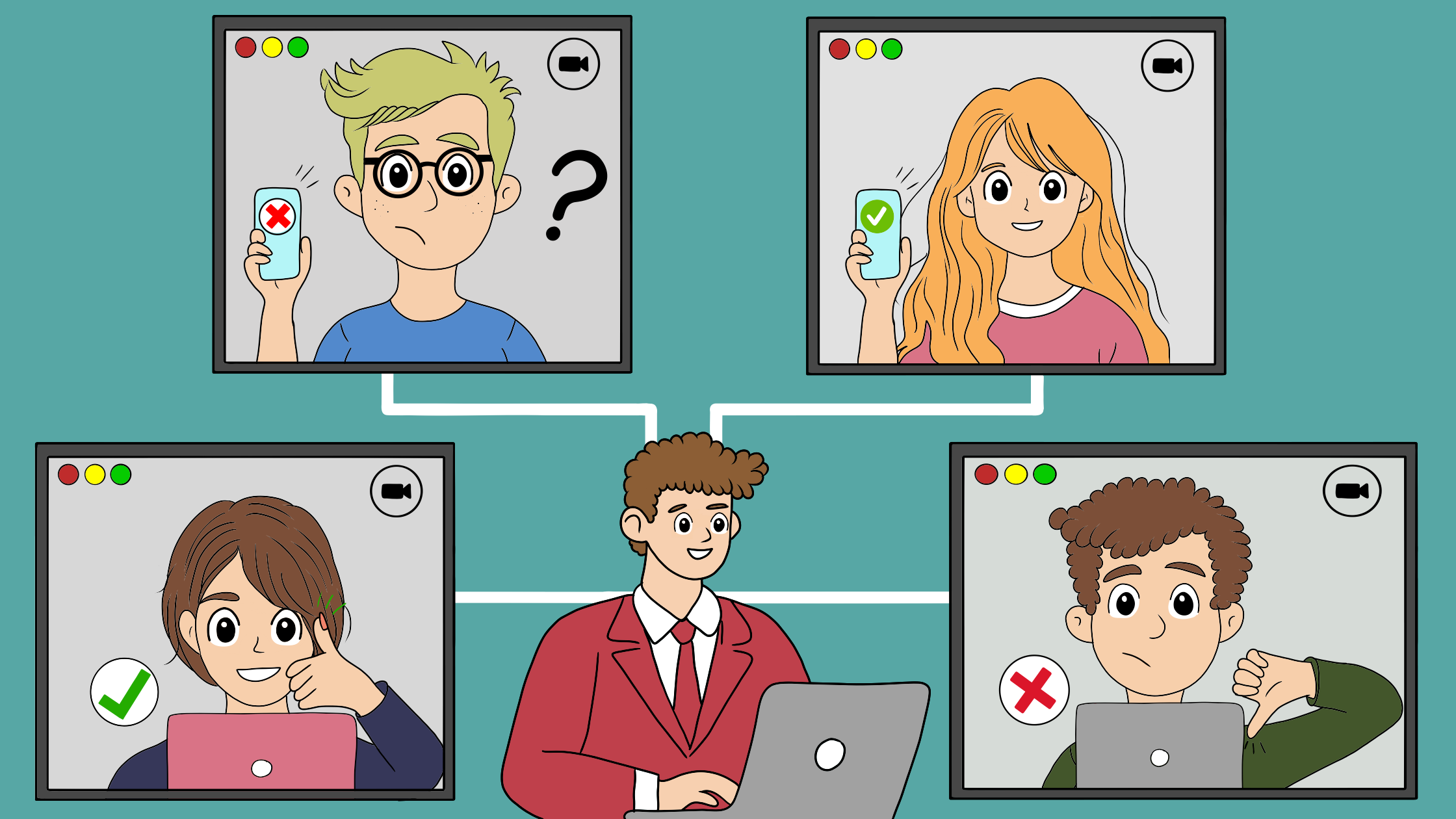
Every author would admit that the first time someone reads the first draft of their novel is nerve-wracking. Moving from a low-fidelity draft and user flow illustrations to human testing of the app is no different. This exciting next step in app and web design forces us to face reality and provides us with great insights regarding the work we’ve done so far and what’s yet to come. Just like the preceding steps, user testing prototypes need to be well-designed and structured.
What is prototype user testing?
Once we have prototyped our product, the subsequent step involves testing it with potential users. This would allow us to collect more reliable and thorough feedback based on user experience.
Prototype user testing involves evaluating a preliminary version of a product (prototype) with a group of target users to assess its design, functionality, and user experience. The goal is to identify any issues and gather invaluable insights based on feedback from the user testing sessions.
We ask potential product users to provide their feedback as they complete various tasks on a product prototype. This allows us to evaluate the established design and navigation of our product. We will also assess their feelings and interactions during navigation while completing tasks. Based on the test results, we can pinpoint structural or design issues for improvement.
Difference between user testing and usability testing in the prototype context
User testing shows how real users interact with a product and helps you identify any issues they encounter. This type of testing focuses on broader questions about user experience and satisfaction. The main goals are identifying user needs, evaluating user interaction, uncovering pain points, and gathering user feedback.
On the other hand, usability testing evaluates how easily and effectively users can accomplish tasks with the product. This type of testing is more specific and focuses on the product’s design and functionality.
Benefits of prototype user testing
There are many benefits to this essential design step. First, it can uncover new ideas that you haven’t considered in the preliminary design stages. Some user responses may challenge our initial assumptions and even suggest alternative pathways. Additionally, testing the prototype might be cheaper at this stage, helping to avoid further coding costs for an immature app.
Users can provide us with unbiased opinions, leading to significant enhancements of our product. Overall, it is a quick, inexpensive, and easy method that offers valuable insights. This may include minor adjustments, like moving a button, or major changes in strategies that could redefine our information architecture.
My User Testing prototype – Adult Education Center New Haven App.
In my last blog, I designed paper prototypes for my companion app for the New Haven Adult Education Center. This app aims to provide institutional services, academic support, and communication for students at the New Haven Adult and Continuing Education Center. The goal is to offer convenient methods for conducting scholarly work, managing courses, paying tuition, and receiving real-time updates on school activities.
Now, it’s time to test this prototype with potential users. For this, I have followed the next steps:
Step 1: Define the research goals and questions
These goals outline the ideas and outcomes I aim to learn from user testing. More specifically, I strive to determine whether the app’s navigation, layout, and overall design are user-friendly and intuitive. Additionally, I seek to identify necessary enhancements based on user feedback and interactions with the app.
The research questions offer focus and structure to my research study. How efficient is the app for users to handle course registrations, pay tuition, find real-time updates, and submit assignments? What can we learn from the user flow and the steps that users take for each task? Which features of the app require modifications?
Step 2: Key Performance Indicators (KPI)
These are critical measures of progress toward an end goal. The KPIs I used in the user testing are:
- Time to complete a given task (seconds)
- Conversion rates – the ability to fully complete a given task
- Number of clicks for task completion
- Usability Scale (SUS) – the users scale their opinion on various aspects of the product
Step 3: Methods
Here, I outlined the steps I would take to conduct my user testing research. I decided to conduct my user testing in moderated remote testing mode. The participants underwent user prototype testing in their homes. They completed a set of tasks and a questionnaire regarding their experience.
Step 4: Study participants
Three participants were present: two males and one female, all aged 18 – 38. All the participants were proficient in using smartphones and mobile apps, and they matched the general description of school students.


Study participants, Photo taken by the author.
Step 5: The script and user tasks
The script included a monologue introducing myself and outlining all the steps for the users. I emphasized that during user testing, we are evaluating the App rather than their skills. In this script, I ensure that their approval is granted for the recording. I indicated that each user must complete a questionnaire to assess all my findings – some examples:
- Do you have any suggestions or feedback about this task?
- How easy was it to complete this task on a scale from one to five?
I defined specific user tasks similar to my established user flows and the four main features of the information architecture: Registration, payment, Student portal, and updates and news. The established tasks were:
Task 1: As a student in the high school credit diploma program, register for a math course.
Task 2: As a student in the high school credit diploma program, pay your full tuition.
Task 3: As a student in the high school credit diploma program, do your assignment in module 2 of the science course, submit it, and receive a grade.
Task 4: There is an active snowstorm in New Haven; find out if the school is open.
Step 6: Creating the prototype
The study utilized the POP (Prototype on Paper app) and included low-fidelity mock-ups of screens for the four established tasks. This prototype was created using the Marvela app. To view my paper prototype, just click on the next mock-up screen.
During this process, I created additional screens from my last prototype presentation to enhance the users’ experience. Here is one example for one task:


Step 7: Study results
Overall, the three users completed all tasks, and I fully obtained all KPIs. In my presentation, I displayed some results in a graphic mode and some in an open text.

I have observed a larger-than-expected time for completing the registration task, yet the user variation in task time was not user-specific. However, there was no significant difference between the number of users clicks for task completion and the reference (me). I have also observed a high satisfaction rate of users, giving the max score for potential app usage.

Step 8: What have I learnt from study results
- Contrary to the school website, we aim to create a simple task-oriented app. The overall high user satisfaction justifies this aim.
- The higher user time to task completion compared to reference can be explained by lack of previous app experience and the low fidelity nature of this study.
- The gap between high user time to task completion and relatively normal number of clicks is an interesting finding. This may be explained by over-cluttered screens, especially in the path of task 1 (registration)
- In the open feedback session, User 2 pointed out that the “manage payment method” button should be prioritized by positioning it at the top or making it more noticeable to facilitate the process of adding a new payment method, especially for new users. This was a good insight that I hadn’t thought about.
Conclusion:
User testing a prototype proved to be one of the most essential steps in the design thinking process. I came to realize that a good and well-designed user test can sometimes “shake” the foundations (the preceding design steps). This step challenges the designer’s flexibility and carries great potential for designing a better product with better outcomes.
Enclosed is the complete presentation of my user testing prototype
